

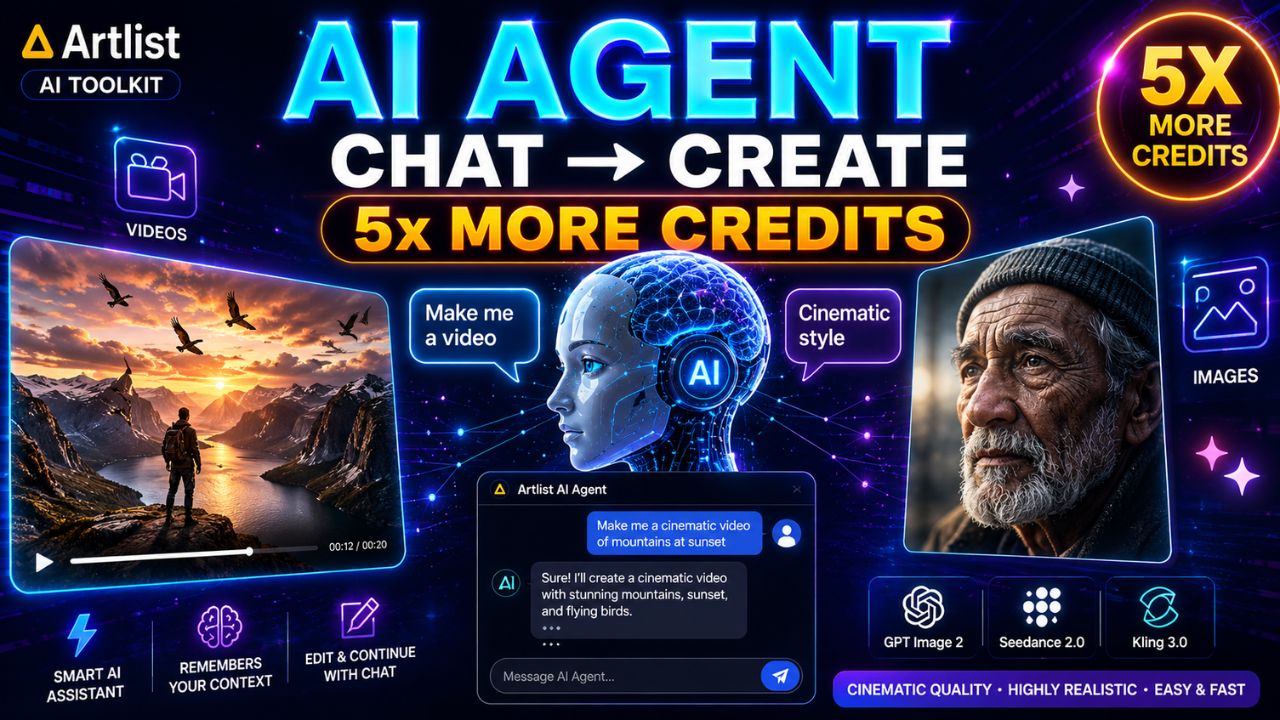
So friends, you will be surprised to know that artificial intelligence is becoming more and more advanced day by day and now Artlist has introduced a brand-new AI Agent inside its AI Toolkit. Its new features allow you to create AI images and videos simply by chatting with the tool, just like using ChatGPT.
This is how it works like the AI Agent can understand prompts, choose the best AI model automatically, remember previous creations, and even help users continue editing their projects without starting from scratch again. And because of this, content creation has become even easier these days for beginners as well as professional creators. So get ready because in this article we will understand how the new Artlist AI Agent works, its major features, supported AI models, and why creators are excited about this launch.
What is the Artlist AI Agent?
The Artlist AI Agent is a chat-based AI creation tool available inside the Artlist AI Toolkit. Instead of manually selecting settings and tools, users can simply describe what they want to create.
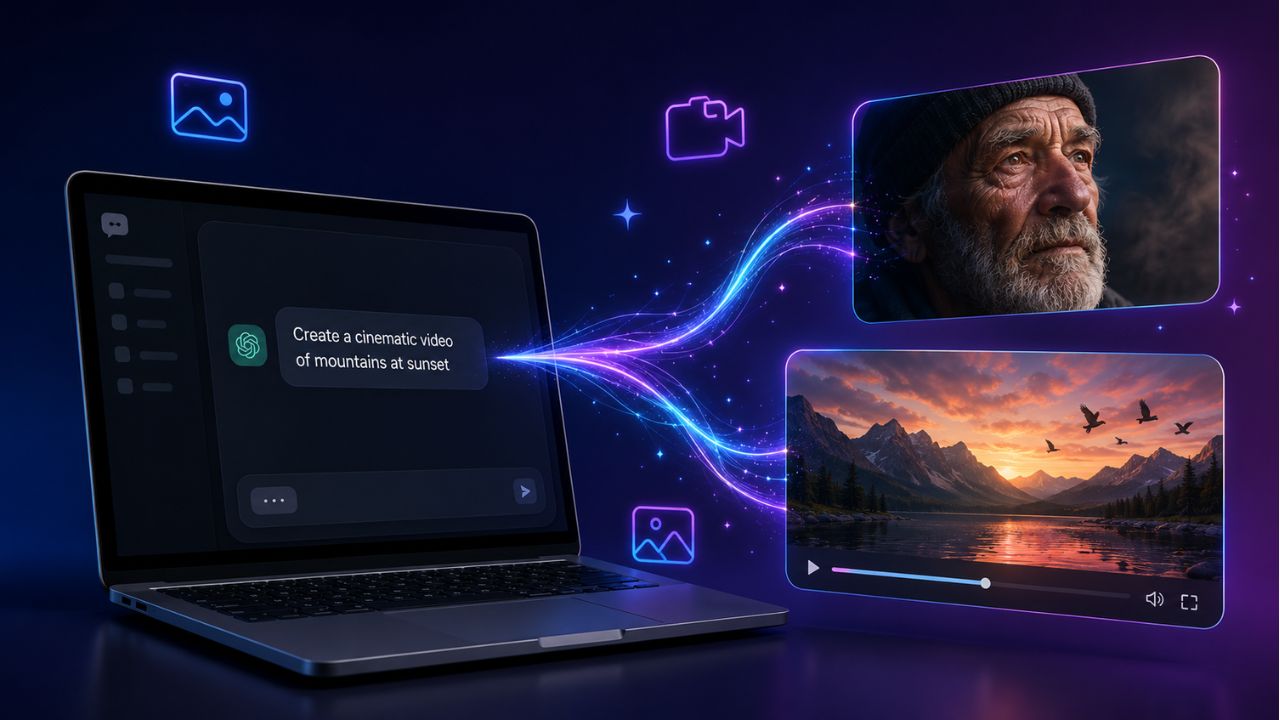
The AI Agent then:
- Understands the request
- Selects the best AI model
- Generates images or videos
- Remembers previous context
- Allows further editing through simple prompts
This creates a much smoother and more natural workflow for content creators.
How to Access the AI Agent
To use the AI Agent, users first need an Artlist account. After signing in:
- Open the Artlist homepage
- Go to the “AI Toolkit” section
- Scroll down and click on “AI Agent”
- A chat-style interface will appear
The interface looks very similar to ChatGPT, where users can simply type prompts and generate content.
5x More Credits Promo Announced
Alongside the AI Agent launch, Artlist also introduced a major credits promotion.
Users can now generate up to 5 times more content using premium AI models such as:
- Nana Banana Pro
- Seedance 2.0
- Kling 3.0
This is a huge benefit for creators who previously worried about running out of credits while generating AI content. Additionally, yearly subscription plans currently offer around 40% savings compared to monthly plans.
How the AI Agent Works
Using the AI Agent is very simple. Users only need to type what they want to create. The AI can either:
- Automatically choose the best model
- Or users can manually specify a model
For example, a user may ask: “Create a Netflix documentary-style opening scene using GPT Image 2.” The AI then generates the image based on the request. One of the most impressive features is that the AI Agent remembers previous prompts and outputs. Users can continue editing the same project naturally through conversation.
Testing GPT Image 2
One of the newest models available is GPT Image 2. According to the creator, this model is:
- Very cost efficient
- High quality
- Comparable to Nana Banana Pro
- Around three times cheaper
The generated images were highly detailed and realistic. For example, the AI generated an image of an old man standing near a tower. After that, the user simply requested: “Make this image more hyperrealistic and cinematic using Nana Banana Pro.” The AI recreated the same scene with much better lighting, realism, and cinematic quality.
AI Context Memory Makes Editing Easy
One of the biggest advantages of the Artlist AI Agent is its context memory. The AI remembers previous images and prompts automatically. For example, after generating an image, the user asked: “Keep the same composition but change the scene to golden hour.” Without re-uploading the image, the AI recreated the same shot with sunset lighting. This feature saves a lot of time and makes the workflow feel more natural.
Turning Images into Videos
After creating an image, users can also turn it into a video directly inside the AI Agent. The user simply asks: “Create a video from this image.” Some recommended video models include:
- Seedance 2.0
- Kling 3.0
- VL 3.1
The generated cinematic video showed:
- Realistic water movement
- Wind effects
- Detailed character motion
- Birds and environmental animation
The creator described Seedance 2.0 as one of the best AI video models currently available.
AI Suggestions for Further Editing
Another useful feature is automatic editing suggestions. After generating a video, the AI can recommend:
- Moody storm style
- Nighttime mystery version
- Artistic cinematic style
- Different lighting setups
This helps creators quickly experiment with different looks and creative ideas.
Why This AI Agent is Important
The Artlist AI Agent simplifies the entire AI creation process. Instead of:
- Manually selecting tools
- Rewriting prompts
- Restarting projects
Users can now simply chat with the AI naturally. This is especially useful for:
- YouTubers
- Filmmakers
- Social media creators
- Marketing professionals
- Beginners learning AI tools
The AI Agent reduces complexity while improving productivity.
Important Features at a Glance
| Feature | Details |
|---|---|
| Platform | Artlist AI Toolkit |
| Main Feature | Chat-based AI Agent |
| Supports | AI Images & Videos |
| Memory Feature | Yes |
| AI Video Models | Seedance 2.0, Kling 3.0, VL 3.1 |
| AI Image Models | GPT Image 2, Nana Banana Pro |
| Credits Offer | Up to 5x More Credits |
| Subscription Discount | Around 40% on Yearly Plan |
| Voice Generation | Coming Soon |
| Best Use Cases | Cinematic videos, AI images, content creation |
Recommended Workflow for Beginners
Here is a simple workflow beginners can follow:
- Generate an image using GPT Image 2
- Improve realism using Nana Banana Pro
- Modify lighting and atmosphere using context prompts
- Convert the image into a cinematic video
- Add further effects using AI suggestions
This workflow can help creators produce professional-quality AI content much faster.
Final Thoughts
So friends, you can say that this new Artlist AI agent is a huge step towards AI content creation. Its conversational interface, smart context memory, and powerful video generation capabilities make it easier than ever to create cinematic AI content. Many tools have come to the market like GPT Image 2, Seedance 2.0, and Kling 3.0, which gives creators access to professional-grade tools directly inside one platform. The addition of 5x more credits also makes the platform more affordable and practical for heavy AI users. So you can say that overall, the Artlist AI Agent is shaping up to be one of the most user-friendly and powerful AI creative tools currently available for modern content creators.